Reservations & availability
Manage incoming bookings with room and bed availability.
Learn more
STAYZA · HOTEL & PROPERTY MANAGEMENT
StayZA connects reservations, check-in, housekeeping, billing and property reporting in one hospitality-focused workspace.
FEATURES
Explore focused tools for the tasks that matter each day.
Manage incoming bookings with room and bed availability.
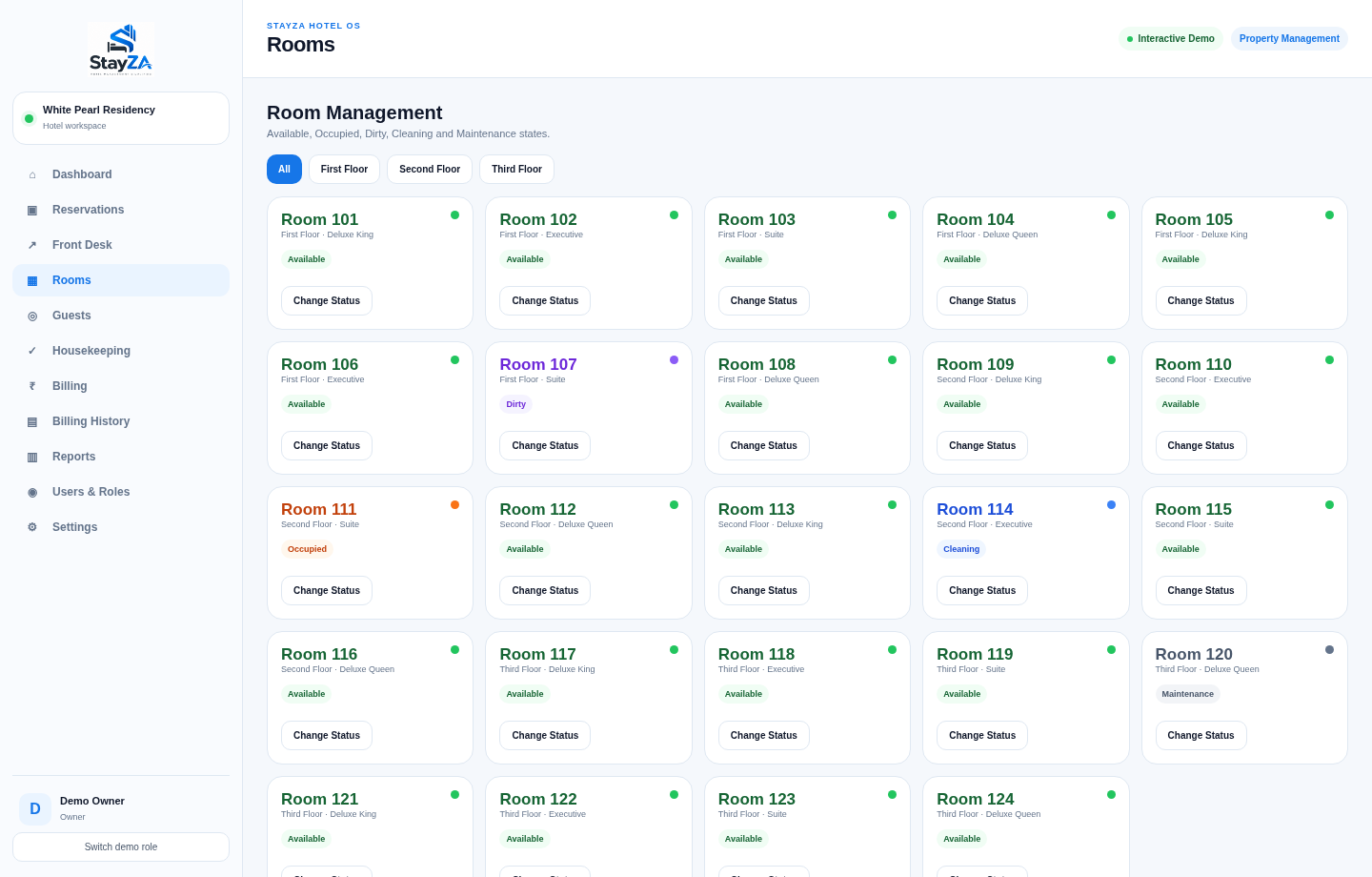
Learn moreOrganize guest arrival, room allocation, check-in and check-out.
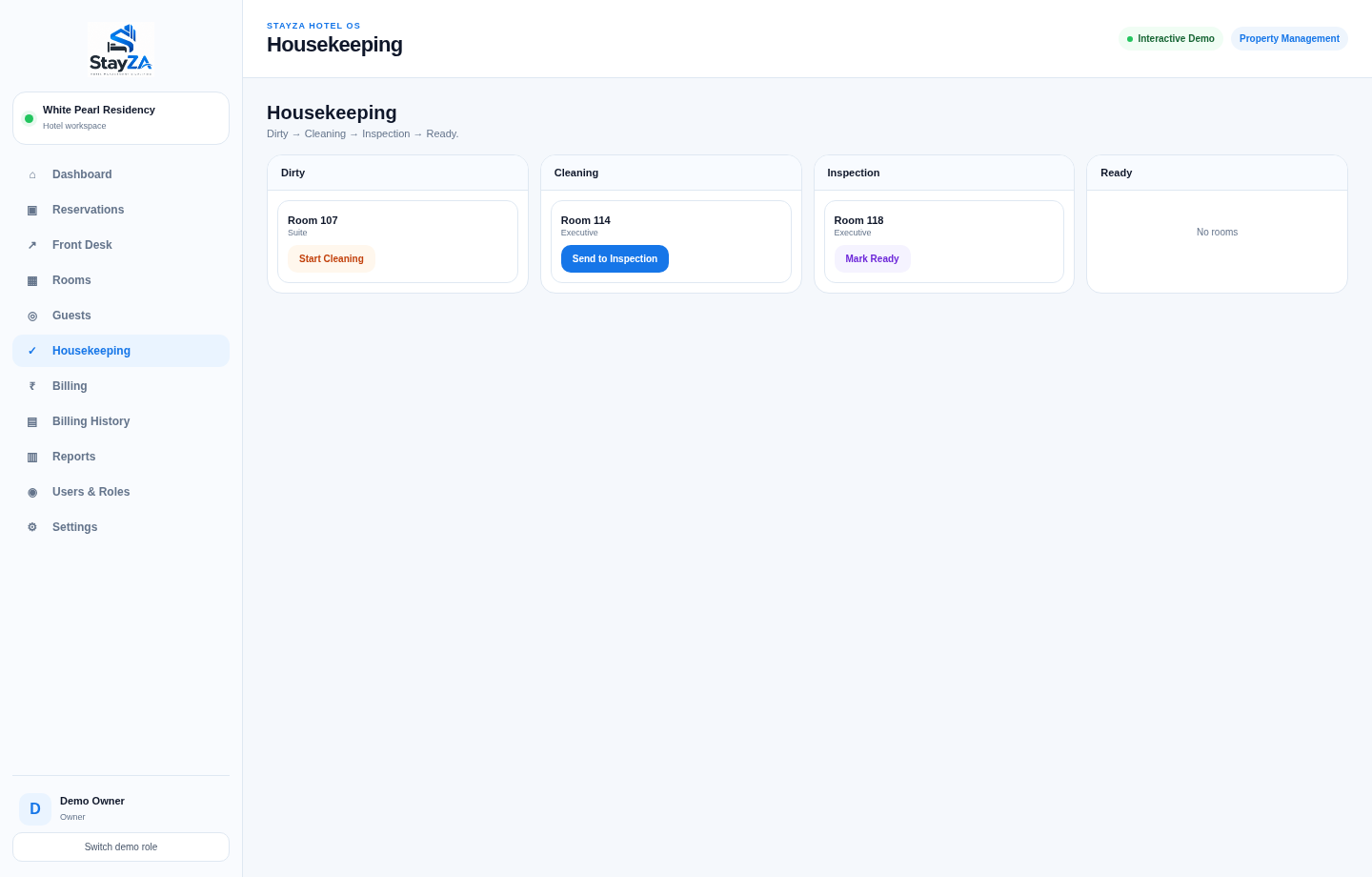
Learn moreTrack room readiness and assign cleaning progress across teams.
Learn moreRecord payments, prepare invoices and review revenue and expenses.
Learn moreSupport front-desk and other staff with appropriate access.
Learn moreManage operations across more than one hotel or property.
Learn moreKeep guests informed using configured WhatsApp notifications.
Learn moreOperate from the cloud with offline-capable workflows where supported.
Learn more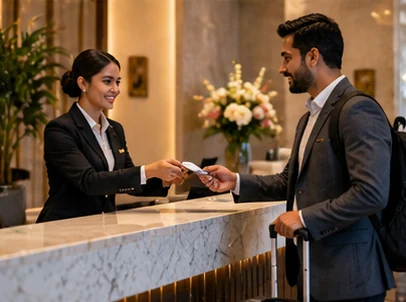
WORKFLOWS THAT FIT
See reservations and availability, allocate rooms, coordinate housekeeping, support guest communications and track revenue in a connected system.
WHO IT IS FOR
Start with your type of operation, then choose the configuration that fits.
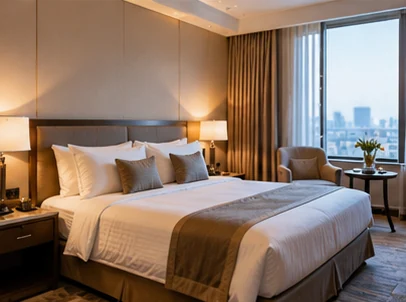
Simplify arrival and daily operations
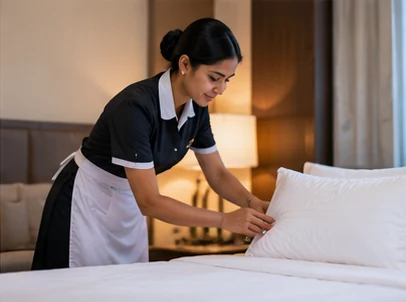
Coordinate rooms and guest service
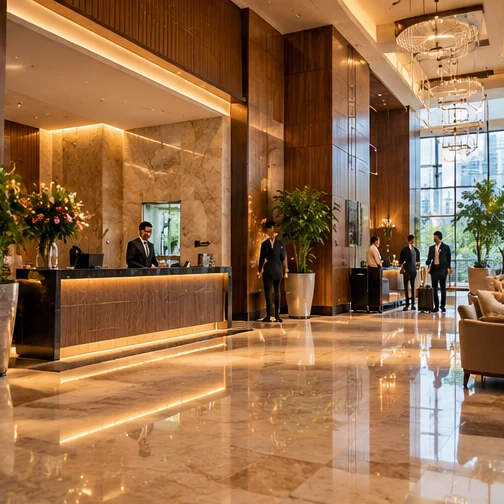
Organize bookings and billing
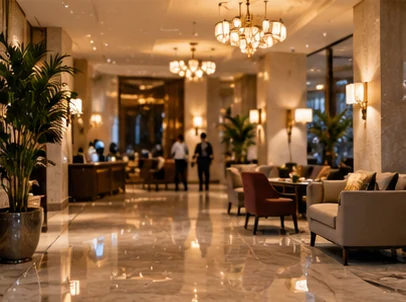
View operations across properties
CLOUD AND OFFLINE
Access the software through the cloud while supported tasks can remain usable during temporary internet interruptions. Exact device and sync behavior depends on configuration.
READY TO EXPLORE?
Request a product trial, discuss setup and talk to our team about your business needs.
Request your demoCOMMON QUESTIONS
A few practical details worth knowing.
Yes, StayZA has a 15-day trial. Contact the team for activation and conditions.
Yes, it offers cloud access and offline-capable workflows; confirm details with the team.
Multi-property operations are part of StayZA’s stated feature set. The team can review your property setup.
The customer loyalty analyzer is planned, not a currently live feature.
WHAT HAPPENS THROUGHOUT THE DAY
Daily operations involve multiple roles and stages. The platform links those stages so authorized staff can understand what needs attention.
Manage the reservation and identify appropriate available rooms or beds.
Coordinate reception, housekeeping, relevant guest communication and recorded charges.
Complete checkout and update room readiness for the next guest.
DELIVERY MODEL
Both products are designed for cloud access with selected offline-capable workflows. Which actions work without internet depends on configuration, devices and the feature being used.
Use a central system for appropriate shared data, reporting, remote accessibility and managed updates.
Continue selected core transactions during internet interruptions, subject to device capability and the tested workflow.
Reconnect and synchronize queued changes according to the configured conflict rules; some external provider services require a connection.
Part of the Adinexis software portfolio. Explore DineZA for restaurant operations or discuss custom enterprise software.
INSIDE THE SOFTWARE
Real screens captured from the current browser-based demonstration—not stock interface graphics. The information shown is sample demo data.
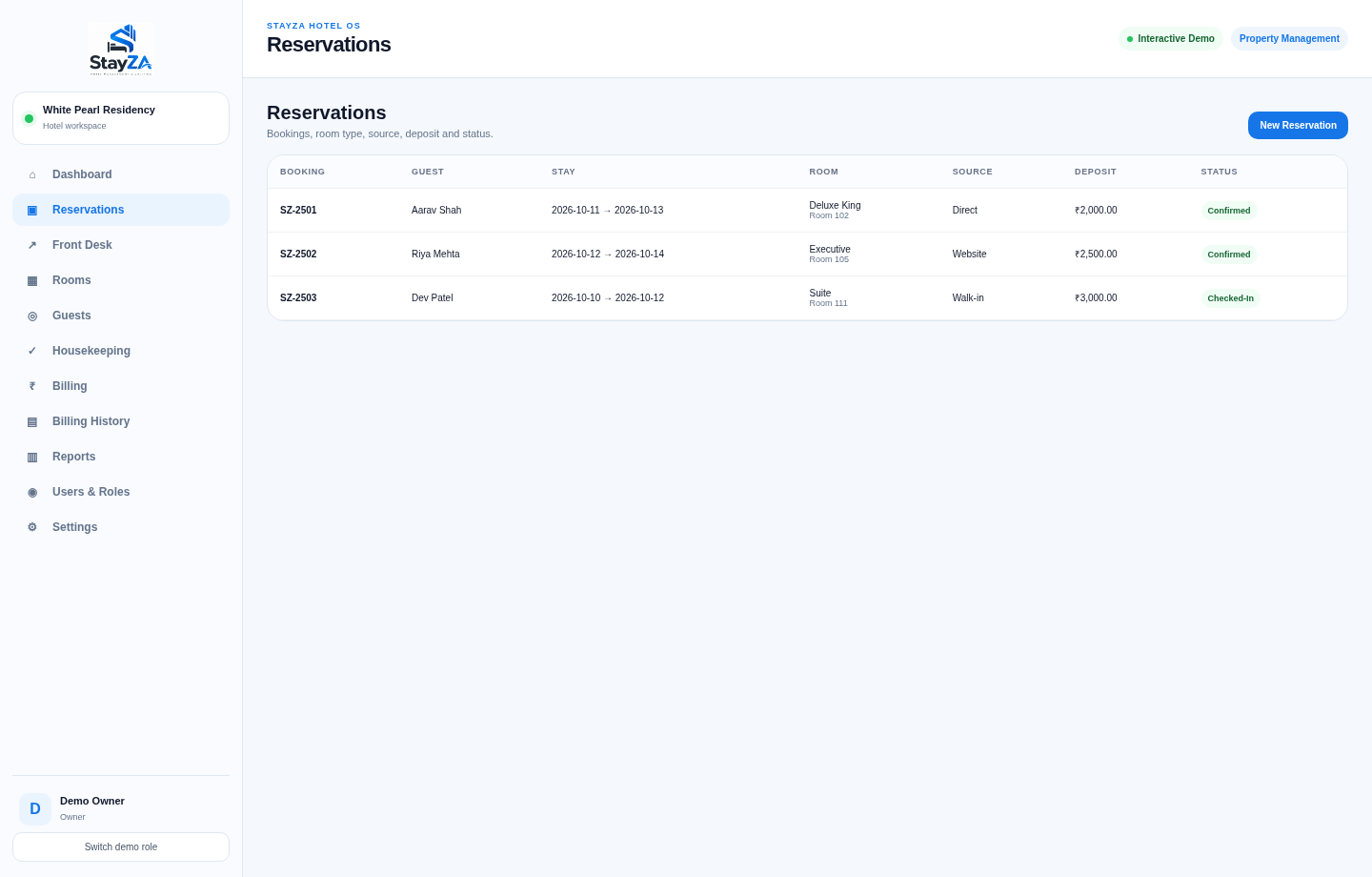
Open the working browser demo to navigate menus, try the available workflows and understand how the platform is organized. No registration or password is needed.
Launch interactive demo ↗Demo activity uses sample data stored in your browser. It is not connected to a production restaurant or hotel.
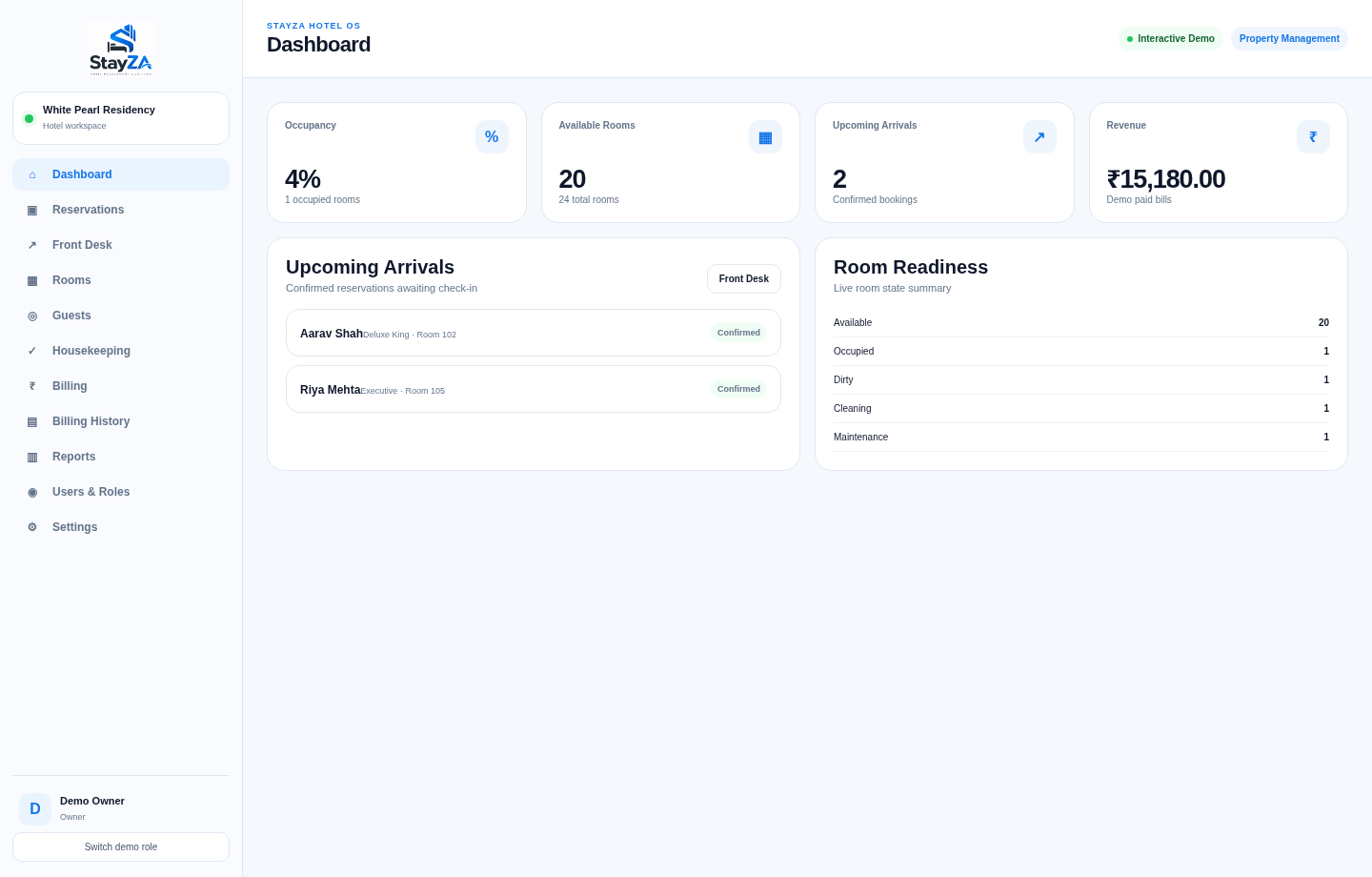
A clearer next step
Book a guided demonstration and see how the workflow fits your team.